
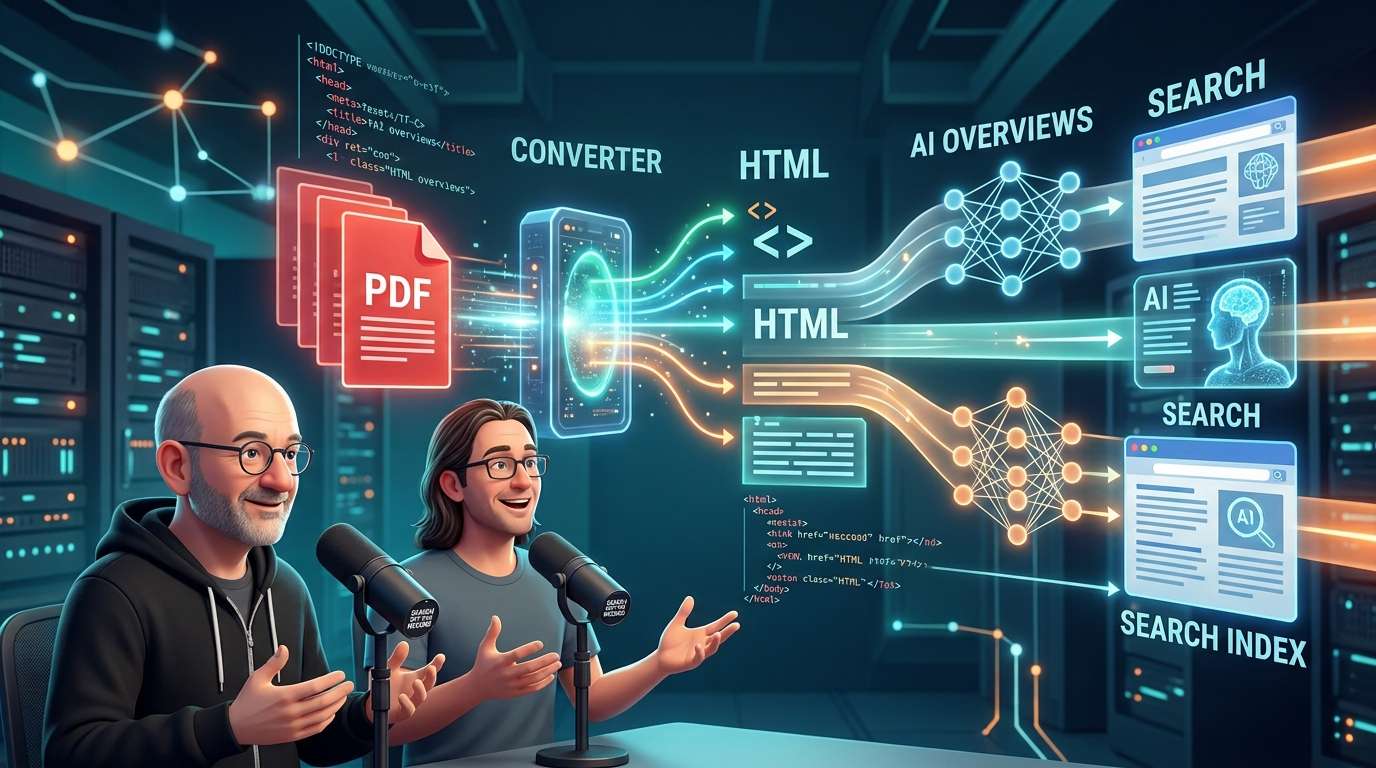
Google’s John Mueller and Martin Splitt explained how the company handles PDFs in search on its podcast. Search converts PDFs into HTML using a dedicated conversion feature, and uses that HTML version for indexing, they said. Links in PDFs are also recognized after conversion, and PDFs can appear not only in regular search results but also in AI Overviews and AI Mode.
PDFs aren’t files that search leaves out
You may have heard at some point that “PDFs are bad for SEO.” Their explanation suggests that impression needs a bit of revising.
According to Splitt, Google’s search systems include components called converters. They run just after rendering, before a decision is made about whether something should be indexed, and route files based on their format. The supported formats include a wide range of file types, such as rich text, documents, and Excel files, with a PDF converter among them.
The converter outputs HTML, so almost all the subsequent steps deal only with HTML. The idea is not that Google opens a PDF viewer and looks at the contents, but that it transforms the file into a format handled on the same footing as a web page.
Why links still work
The same process explains why links embedded in PDFs work like regular links. Splitt said the converter aims to produce an HTML representation that stays as faithful as possible to the original format, allowing it to pick up elements such as links. Mueller added that because Google converts PDFs into a format closer to the web pages it is used to handling, the links can be used, too.
For companies that distribute documents or information pages as PDFs, this means links from those files to their websites may not go to waste.
They can appear in search and AI Mode
The conversion process also explains why PDFs can appear in AI Mode. As with regular search, the HTML-converted version is indexed, so it can also show up in AI Overviews and AI Mode. Splitt said PDFs are treated much like other documents for indexing and ranking.
In other words, PDFs don’t get a separate category in AI search. If they are part of the search index, they can enter through the same door as other content.
A caveat for image-only PDFs
One thing to keep in mind is that not every PDF is read as text. Some files may look like documents but actually contain only images, such as PDFs made by saving scanned pages as images.
Splitt offered a simple test: try selecting and copying text from the PDF, then pasting it into a text editor. If you can paste it, the file is in a state where it can be converted and used for ranking. Mueller also said that text that can be indexed can be used in search.
Splitt stopped short of giving a definitive explanation of how images inside PDFs are handled. Regular images are processed by sending their URLs to the image-search pipeline, but images inside PDFs do not have individual URLs. So his current view is that they may not be processed in the same way as regular images in image search. He also noted that this could change in the future. As for file-size limits, he said there should be a limit on the fetching side, separate from the one for HTML, but did not provide a specific number.
Why choose PDF—and why HTML is easier to use
So, should you avoid creating PDFs? Splitt’s answer was: “It’s fine if the content calls for it.” He said PDFs are useful when you need precise control over how a document looks when printed, or when the document requires interaction, as with a form. He gave a PDF booking form for a lodging facility as an example.
Restaurant menus also came up. Many restaurants post PDFs created by a print shop, and Splitt’s position was that posting one is much better than posting nothing. Mueller agreed, saying that if the choice is between posting a menu and not posting one, it is better to post it as a PDF.
However, if they can choose between a PDF and a regular web page, Mueller said he prefers the latter. Ease of use is the reason: if the same content can be made available in HTML, that alone makes things a little easier, he said. Splitt also said he prefers HTML for its greater flexibility.
Making things easier for search engines
What emerges from their explanation is not a simple choice between PDFs being good or bad for search. What matters is how short the path is to the information.
PDFs go through an extra conversion step before they appear in search. So if you can provide the same content in HTML, it makes sense to start with a format that is easier for both search engines and readers to handle. HTML’s advantages—content that is immediately readable when a page opens and less likely to break on smartphones—also make it more user-friendly.
If you are reviewing the PDFs on your company’s website, first check whether you can copy the text. Then decide which content could also be offered in HTML. That sequence seems like a practical place to start.









Comments