
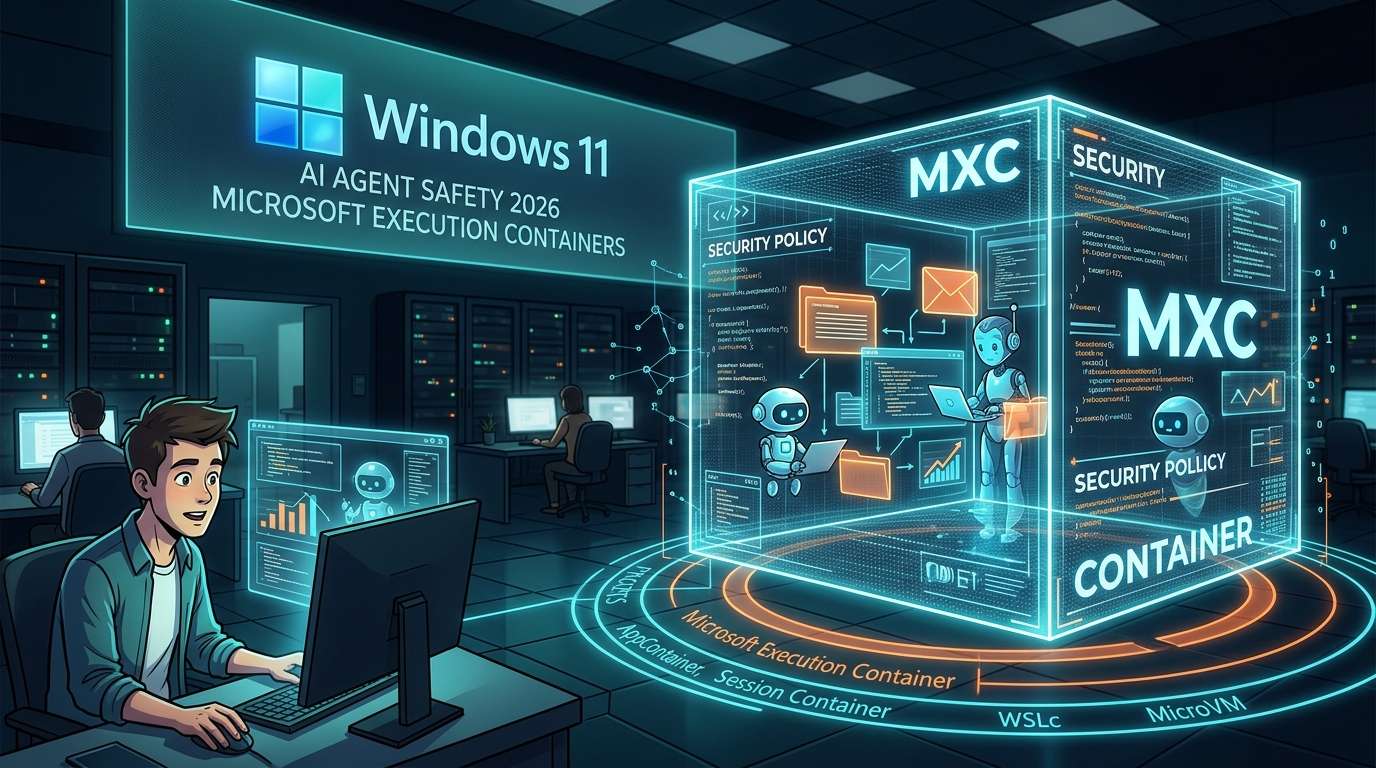
On October 7, 2026 (local time), Microsoft announced the official release of Microsoft Execution Containers (MXC), an isolated environment for safely running AI agents on Windows 11. Runtime policies define which files and network resources agents can access, enabling three things: restricting their scope of action, distinguishing human actions from agent actions, and monitoring activity.
The more work we hand off, the more boundaries we need
Email replies, scheduling, file organization. Autonomous AI agents like OpenClaw have reached the point where they can handle these kinds of routine tasks on a PC for people. Their convenience comes from being able to interact directly with files and apps. But the wider their access, the greater the risks, including accidentally deleting important files or communicating over the network unintentionally.
MXC provides not a fence to stop agents, but an enclosure that defines in advance where they may operate. Users can place the agent itself, along with its plugins, tools, agent harness, and generated output, inside MXC. The announcement suggests that the focus is shifting from “what can it do?” to “how far should we let it go?”
Microsoft also said on its official Windows Developer account that users can define which files and network resources agents may access and apply policies at runtime. The initiative is part of an effort to make Windows the safest platform for agents.
Choose the level of isolation to suit the use case
One feature of MXC is that it offers a choice of multiple backends with different levels of isolation. Think of it like locks on a house: sometimes a front-door lock is enough, while in other cases you need a safe as well.
### Process-level and account-level isolation
Process isolation using AppContainer, Windows’ built-in sandbox, is considered suitable for coding agents and for agents running tools. This approach seems like a good fit for tasks that need to run with a light footprint.
A step up from that is the session container. The agent runs under a separate account from the human user, with the desktop, clipboard, user interface, input, and active session all isolated. This approach is suited to agents like OpenClaw that run autonomously for long periods. The agent is essentially working in a separate “room” while you work on your screen.
### Isolation through virtualization
MXC also supports WSL containers (WSLc), a form of container-based virtualization on WSL, as well as MicroVMs, which provide hardware-level isolation. Isolation can be stepped up from process to account to virtualization, allowing users to choose an option based on the permissions needed and how long the agent will run.
The different approaches can be summarized as follows.
Approach / Isolation unit / Suitable use cases
AppContainer / Process / Coding agents, tool execution
Session container / Separate account and session / Long-running agents such as OpenClaw
WSL container (WSLc) / Container-based virtualization on WSL / Cases where isolation at the virtualization level is desired
MicroVM / Hardware level / Cases that require stronger isolation
Security depends on configuration and operations
With any approach, policies can be used to determine whether access to files and networks is allowed. Users can do more than provide an enclosure: they can specify what is permitted inside it. Policy configuration through Windows Intune is also expected for organizations, putting deployments across large numbers of company-managed PCs in scope, not just personal devices.
As for compatibility, Microsoft announced that many partners, including OpenClaw and Anthropic’s Claude Code, will support MXC. If isolation features become a standard part of the OS and more agent developers adopt them, MXC could become an established foundation for operating agents rather than just a component for developers.
Practical security depends on how the rules are designed: what to allow and what to prohibit. Allow too much, and isolation loses its meaning; restrict too much, and the agent cannot do its job. Starting with the minimum permissions needed for the task and expanding them as necessary—that kind of operational discipline will be essential as people make greater use of agents.









Comments